Put your AI agents to work on the audit

The Thoropass MCP Server connects your AI agents directly to the Audit Lifecycle Platform, giving them the context to understand audit requests, find evidence across your systems, and help prepare it for review while keeping your team in control.

Auditors collaborating with AI-native audit capabilities

Give your AI agents the context an audit requires

Audit evidence collection involves more than moving data from one system to another. Someone needs to understand what the auditor is asking for, determine where the right information lives and prepare it in a way that satisfies the request.

The Thoropass MCP Server gives AI agents access to structured audit context within Thoropass, including audit scope and evidence request details. Agents can use that context to help coordinate work across the systems your team already uses, reducing the manual effort between receiving a request and getting evidence ready for review.

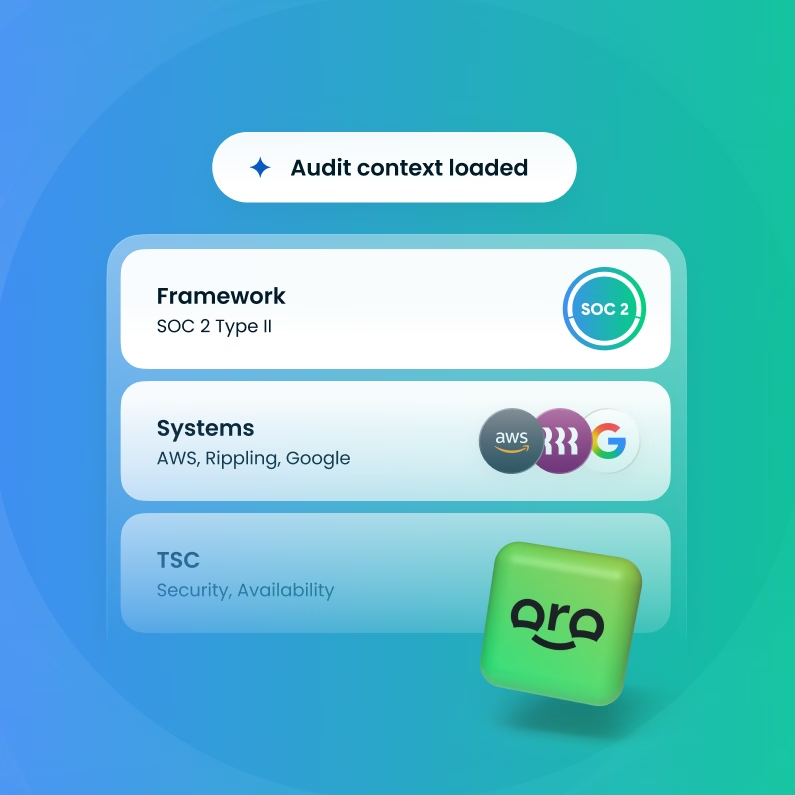
User interface showing audit context loaded for SOC 2 Type II framework, including systems AWS, Rippling, Google, and TSC attributes Security, Availability with a green 3D logo icon below.

From evidence request to evidence ready for review

Upload and sort your evidence

Add documentation to the relevant evidence request when automated evidence collection isn’t available.

Run First Pass

First Pass analyzes the evidence against common reasons an auditor may send a submission back for additional work.

Review the results

See where the evidence may need attention and address flagged issues before auditor review.

Recheck updated evidence

Upload the corrected evidence and run First Pass again to validate the new submission before moving forward.

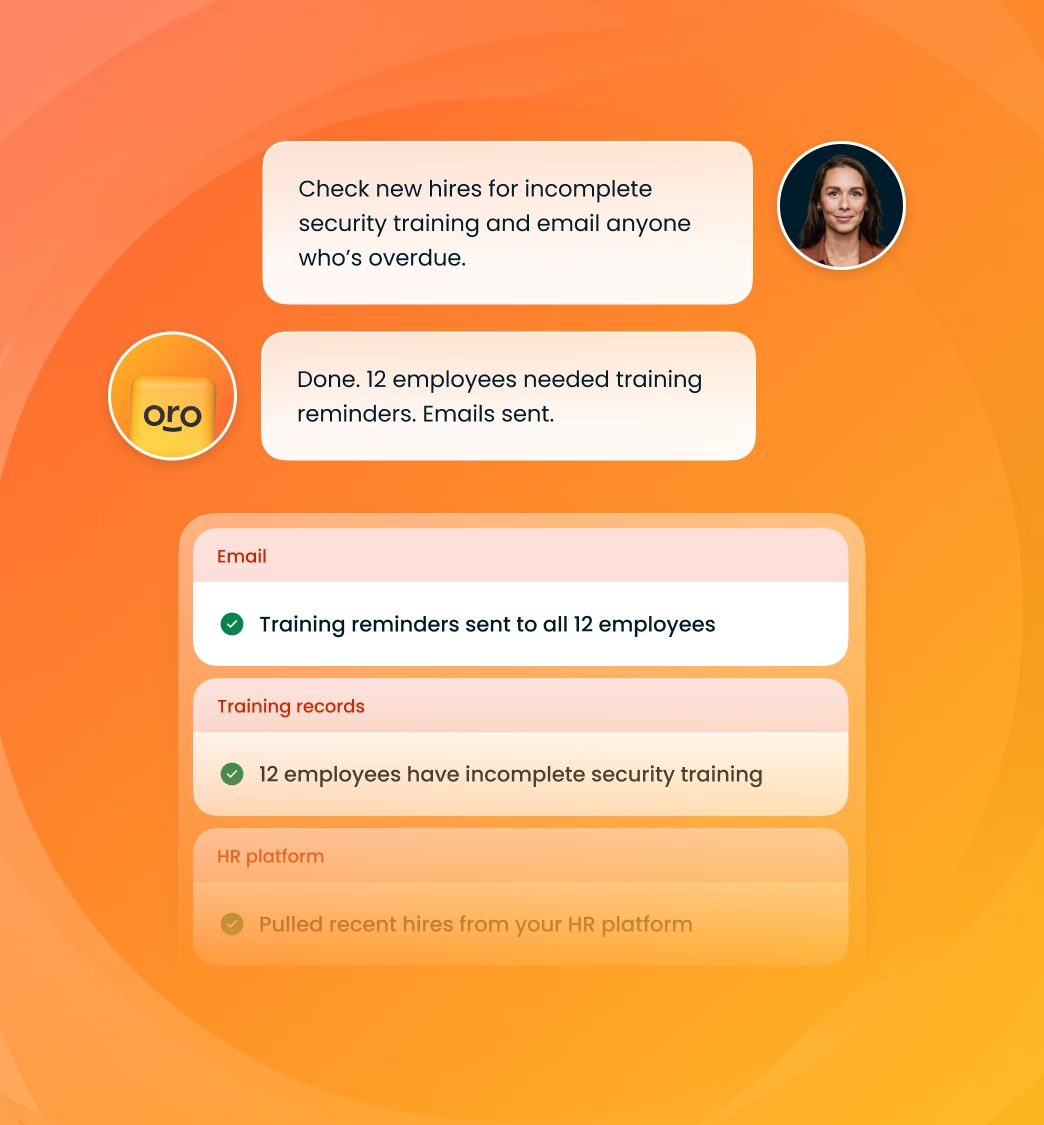
Chat interface on an orange gradient background showing a conversation about checking new hires for incomplete security training and emailing overdue employees. The first message instructs to check for incomplete security training and email anyone overdue. The response confirms 12 employees needed training reminders and emails were sent. Below are status boxes indicating training reminders sent to all 12 employees, 12 employees have incomplete security training, and recent hires pulled from the HR platform, with the last status dimmed.
Eyebrow Text

Turn connected systems into an AI-native audit workflow

Integrations make it easier to connect the systems where audit evidence lives. MCP adds audit context to that connected environment, giving your AI agents the information they need to help act on requests across those systems.

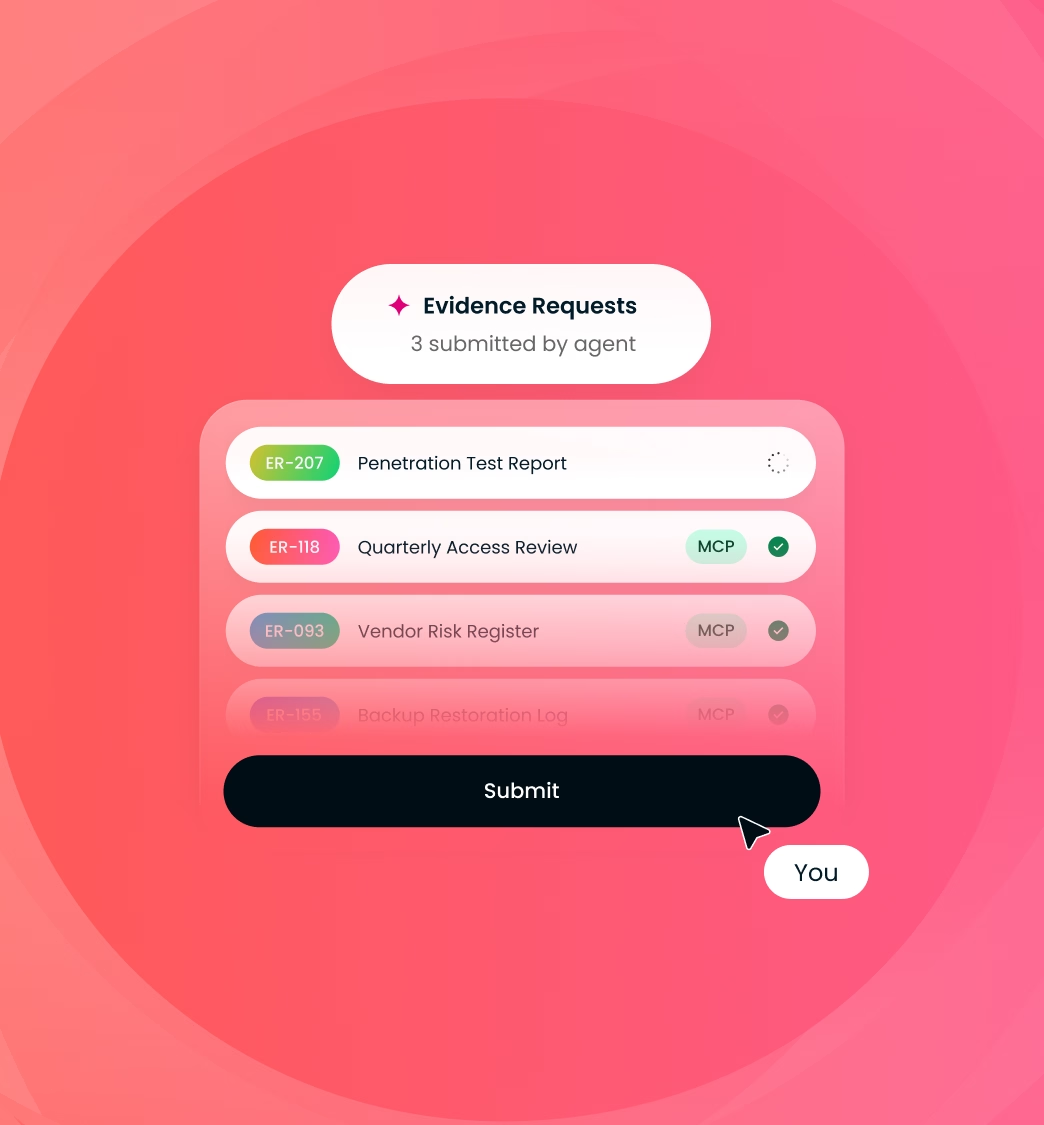
A security engineer could ask an agent to review outstanding evidence requests, identify which relate to access controls, gather relevant information from an identity provider and prepare the documentation for review. Your team can then verify the work before it moves forward in the audit workflow.

User interface titled 'Evidence Requests' with three submitted items by agent: ER-207 Penetration Test Report, ER-118 Quarterly Access Review marked with MCP and checked, and ER-093 Vendor Risk Register marked with MCP, all on pink gradient background, with a large black Submit button clicked by a cursor labeled 'You'.
Eyebrow Text

Let your team spend less time managing evidence

Security, compliance and engineering teams often have the information an auditor needs somewhere in their existing technology stack. Much of the work comes from interpreting requests and coordinating what’s required to turn that information into usable audit evidence.

The Thoropass MCP Server lets teams delegate more of that structured, repeatable coordination to the AI agents they already use. Evidence workflows become easier to manage across systems while remaining connected to the audit inside Thoropass.

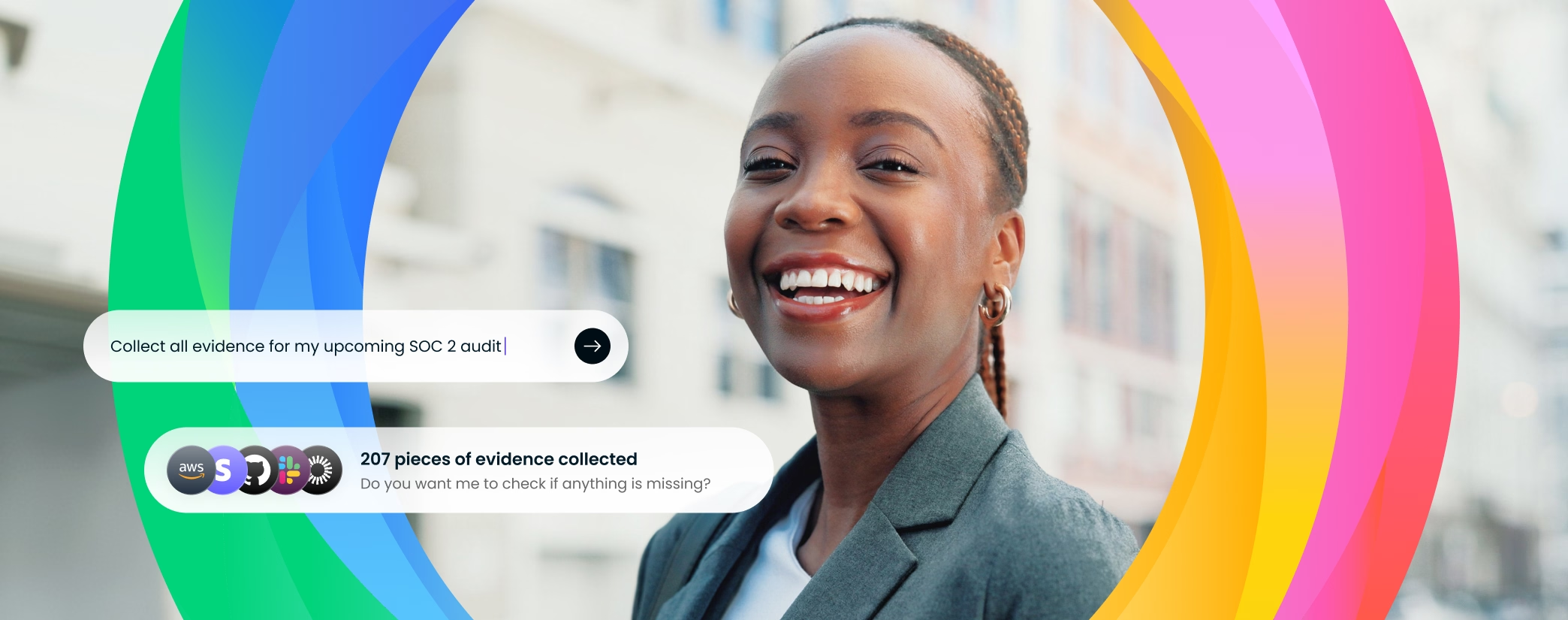
Two women with braided hair leaning towards each other, reviewing a document with a message overlay stating '207 pieces of evidence collected, attached, and ready for your review' along with several small app icons.
Eyebrow Text

AI that works alongside your team and your auditor

Experienced auditors remain central to delivering a trusted, rigorous audit. Thoropass uses AI to reduce repetitive coordination so your team and your auditor can spend more time on work that requires expertise, judgment and conversation.

MCP extends that approach to the AI agents your organization already uses. Agents can support structured evidence workflows while your team maintains oversight and Thoropass auditors continue to provide guidance and conduct the audit.

Frequently asked questions

What is the Thoropass MCP Server?

The Thoropass MCP Server lets customers interact with the Thoropass Audit Lifecycle Platform from AI tools such as Claude or ChatGPT. It gives teams a more natural way to access audit context and workflows from AI environments they already use.

What can my AI agents do with Thoropass MCP?

AI agents can read Thoropass audit context, understand evidence requests and help retrieve and prepare supporting documentation from connected systems. MCP-enabled workflows can also assist with evidence gathering, validation, submission and error handling while people remain involved in review and oversight.

Does Thoropass remain the system of record?

Yes. Thoropass remains the system of record for the audit, while MCP gives your AI agents a way to work with structured context and workflows inside the platform. This preserves audit traceability, oversight and control as agents assist with repeatable work.

How does MCP work with Thoropass integrations?

Thoropass integrations connect the platform with systems where your organization's evidence lives. MCP gives your AI agents access to audit context so they can help use information from those systems to respond to specific audit requests, reducing coordination between tools.

Which teams can use the Thoropass MCP Server?

Thoropass designed the MCP Server for teams such as security engineering, compliance and DevOps that manage audits across multiple systems. It can support SOC 2 and similar compliance audit workflows where evidence collection and submission create recurring operational work.

How can I get access to the Thoropass MCP Server?

Current Thoropass customers can contact their Customer Success Manager for more information about connecting to the MCP Server. Organizations evaluating Thoropass can talk with an audit expert about MCP and the broader Thoropass AI-native audit experience.